Total Cabinetry And Joinery Solution
ENG

Search
In custom kitchen cabinet projects, one of the biggest concerns clients face is:“I can’t visualize what my kitchen will actually look like.”
At AIS, we address this with a clear, visual design communication process—from 2D Layouts To 3D Visual Renderings—ensuring what you see is exactly what you get.

We gather essential inputs from you:
1、Kitchen dimensions (measured on-site or from plans)
2、Style preferences (reference photos, mood boards)
3、Appliance types and cutout sizes
4、Storage requirements (pull-out baskets, spice racks, trash bins)
We also provide a standard measurement template to make it easy.
Once we receive your room measurements or on-site survey data, our team begins the Kitchen Cabinet Design process by drafting a detailed 2D layout plan. This serves as the foundation for space planning and later 3D visualizations.
Here’s what the 2D cabinet layout includes:
1、Appliance Placement Planning
– Clearly marked locations for the sink, hob/stove, refrigerator, dishwasher, oven, and microwave.
– Ensures proper clearance and ergonomic positioning
2、Base & Wall Cabinet Arrangement
– Distribution of overhead cabinets, base cabinets, tall units, and corner solutions.
– Space-saving structures like L-shaped, U-shaped, or straight-line layouts
3、Optimised Workflow Design (Golden Work Triangle)
– Layout aligns with the “wash ➜ prep ➜ cook” sequence.
– Improves kitchen efficiency and minimizes unnecessary movement
4、Plumbing & Electrical Coordination Notes
– Installation instructions for water supply, drainage, and extractor vent outlets.
– Power socket arrangements for built-in appliances such as ovens, microwaves, and fridges
5、Material Allocation & Modular Indications (Optional)
– Types of cabinet modules (drawer unit, lift-up door unit, pull-out pantry, corner carousel, etc.).
– Preliminary notations for countertop areas and island positioning (if applicable)
6、Design Tools Used for 2D Kitchen Cabinet Design:
– Our designers use professional software such as AutoCAD, SketchUp, or cloud-based 3D cabinet design platforms to ensure accuracy and seamless transition into the next design phase.
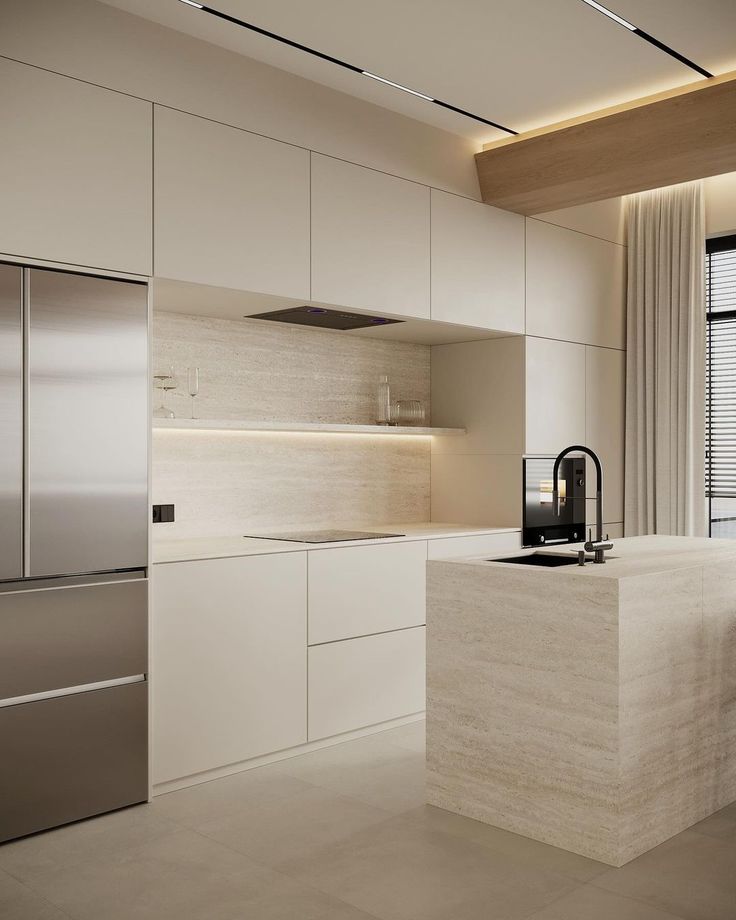
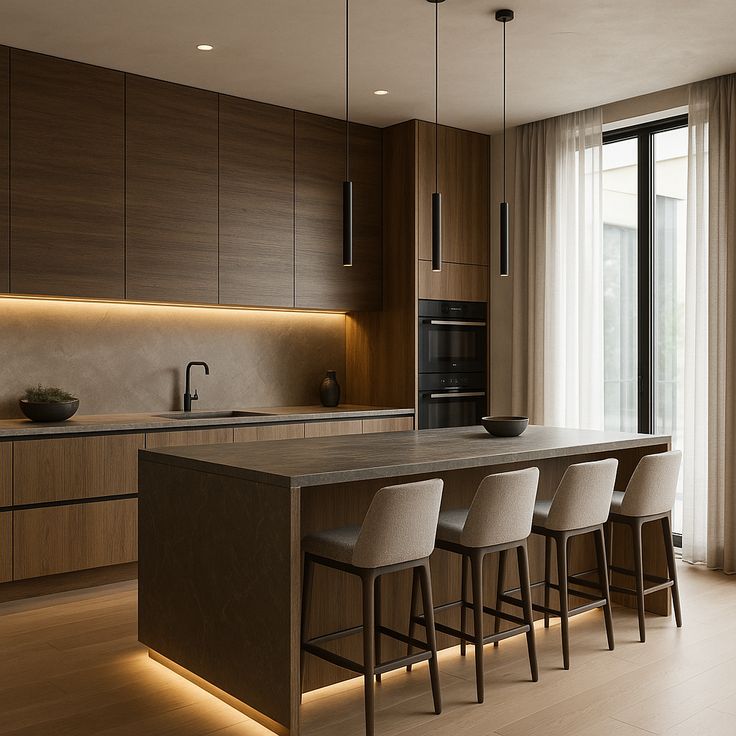
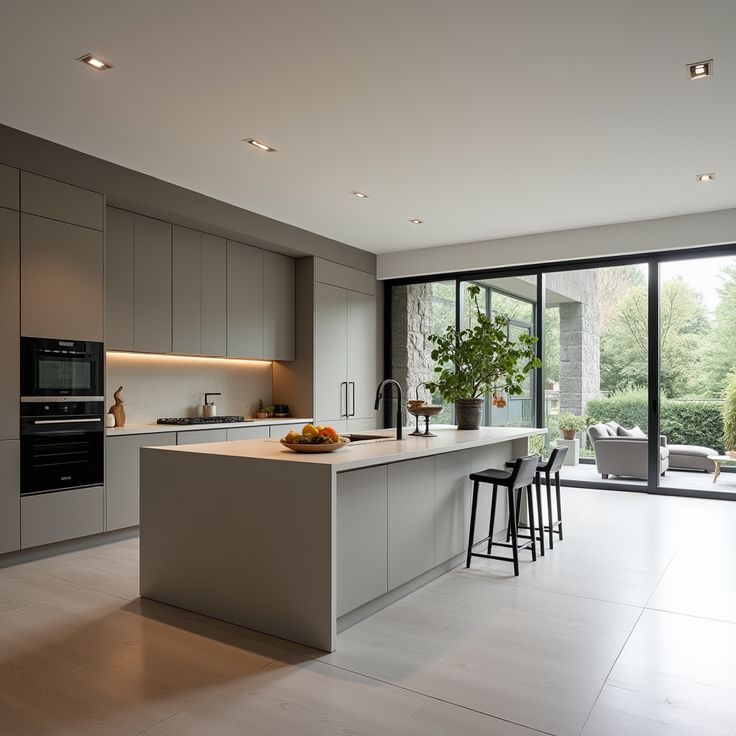
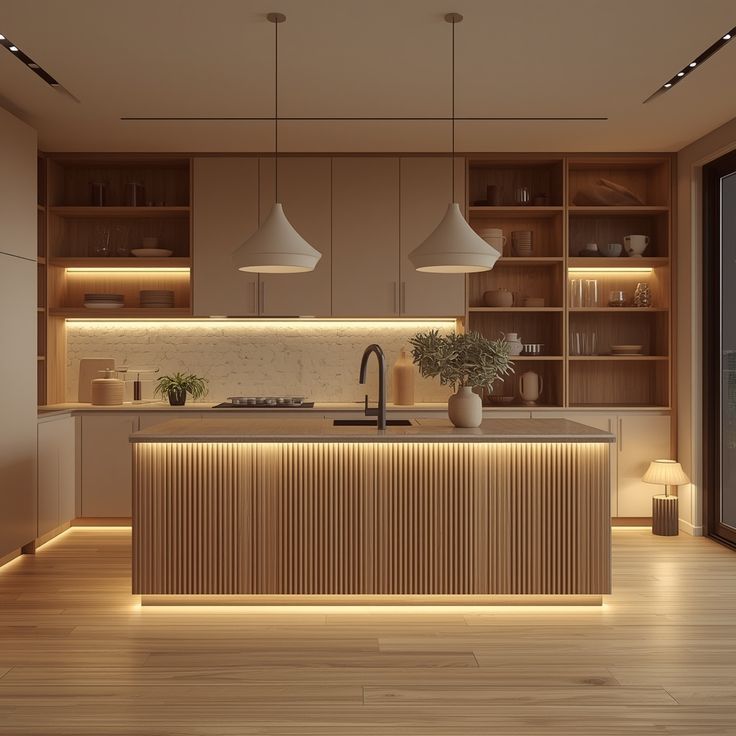
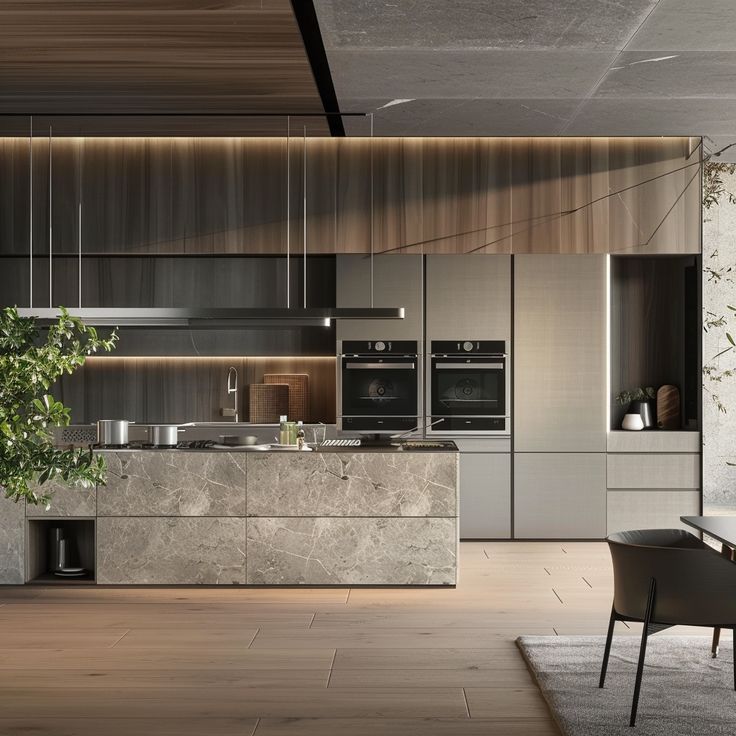
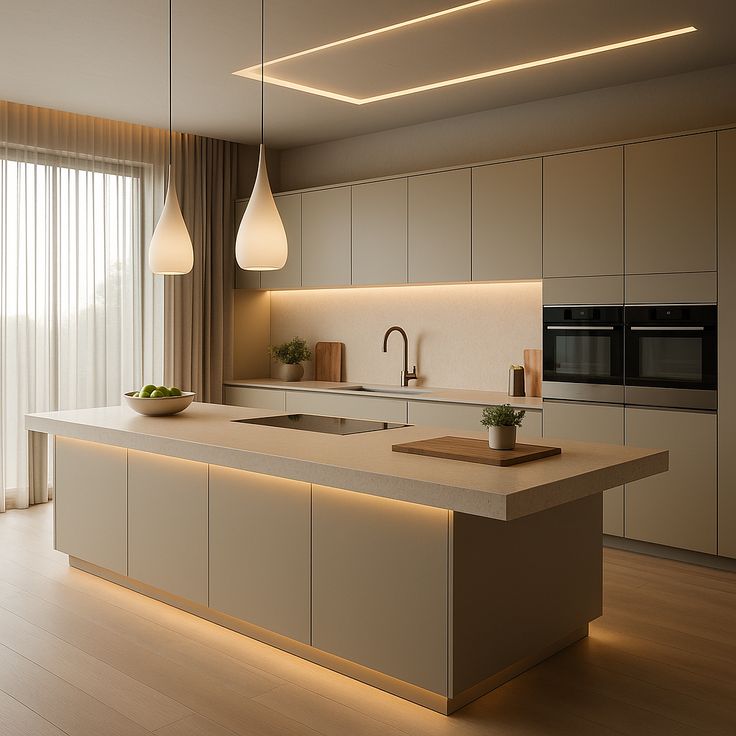
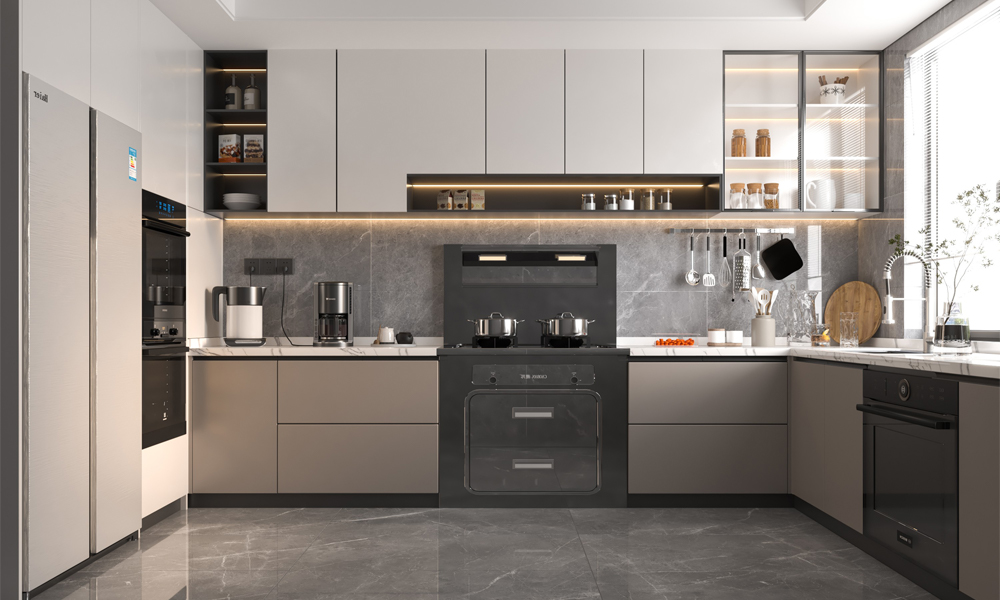
Once the 2D plan is approved, we move to the visualization stage by creating high-quality 3D renderings. This step transforms the Kitchen Cabinet Design from a flat layout into a realistic, lifelike scene that helps clients clearly understand how their future kitchen will look and feel.
Here’s what this step includes:
1、Photorealistic Visualization of Materials & Finishes
– Simulated cabinet surface effects (UV lacquer, PET foil, wood grain, matte paint, etc.)
– Countertop options (quartz, marble, solid surface)
– Backsplash textures (tiles, glass, stone)
– Coordinated flooring and wall color schemes
2、Preview of Door Styles & Hardware
– Flat panel, shaker, frameless, or glass door options
– Testing different handle types (pulls, knobs, recessed handles)
– Adjusting handle positions for ergonomic comfort and aesthetic balance
3、Visualization of Functional Kitchen Cabinet Design Details
– Display of internal storage accessories like pull-out baskets, lazy susans, cutlery trays
– Integration of appliances such as oven, microwave, fridge, and hood into cabinet modules
– Clear zoning of cooking, washing, and preparation stations
4、Multiple Perspective Views for Better Evaluation
– Front elevation view for symmetry and alignment checking
– Angled view to showcase spatial flow and cabinet depth
– Top-down view to better evaluate circulation and layout transitions
– Optional walkthrough-style animation for a more immersive experience
5、Ideal for Client Approval & Site Coordination
– These renderings allow clients to make faster decisions and help contractors visualize installation requirements. In international projects, the 3D presentation significantly improves communication efficiency, reducing revision cycles and misunderstandings.
Why It Matters
A detailed 3D rendering is an essential milestone in modern Kitchen Cabinet Design, as it bridges the gap between imagination and actual manufacturing. It provides a strong foundation for the next step—final confirmation and production drawing generation.
After receiving the initial 3D rendering, clients can review every detail of the Kitchen Cabinet Design and provide feedback. To ensure your kitchen is both functional and visually aligned with your lifestyle, we offer up to three free rounds of revisions, allowing you to fine-tune the design before production.
Here’s what can be adjusted during this stage:
1、Layout & Dimension Adjustments
– Modify base and wall cabinet sizes
– Optimize corner usage with solutions such as magic corners or lazy susans
– Improve workflow according to the “cooking triangle” principle (sink – stove – fridge)
2、Material, Finish & Color Updates
– Switch between UV lacquer, PET foil, melamine, plywood, or stainless steel
– Choose between glossy, matte, wood grain, or metallic surfaces
– Match cabinet finishes with countertops, flooring, and backsplash
3、Hardware & Functional Accessories Customization
– Change handle types or switch to handleless Kitchen Cabinet Design
– Add internal organizers such as pull-out spice racks, drawer dividers, or dish racks
– Integrate soft-close hinges, push-to-open systems, and high-end drawer runners
4、Feature Enhancements & Lifestyle Additions
– Add wine racks, breakfast bars, pantry systems, or appliance towers
– Include hidden drawers or multifunctional island storage
– Allocate built-in spaces for refrigerators, ovens, microwaves, or dishwashers
5、Final Approval for Production
Once all revisions are complete and the final Kitchen Cabinet Design layout, materials, colors, and accessories are confirmed, we will submit a confirmation form or design approval sheet. After your official sign-off, the project will proceed to the production drawing phase and then enter manufacturing.
Why This Step Matters:
It ensures that your Kitchen Cabinet Design not only fits the space but also aligns perfectly with your daily usage habits, aesthetics, and long-term expectations—minimizing costly changes during production or installation.
Once the Kitchen Cabinet Design is finalized and approved by the client, our engineering team converts the concept into factory-ready production (shop) drawings. This step ensures every cabinet component can be accurately manufactured, assembled, and installed with precision.
Here’s what our production drawing package includes:
1、Precise Technical Measurements
– Exact dimensions for each cabinet module (height, width, depth)
– Panel thickness, edging requirements, and assembly tolerances
– Accurate positioning for hinges, drawer runners, and handles
2、Hole Drilling & Hardware Layout Maps
– Drilling diagrams for dowels, cam locks, and connector holes
– Hinge cup hole positioning for different door types
– Pre-mapped hardware placements to ensure consistency during assembly
3、Exploded View Panel Diagrams
– Fully disassembled views showing each panel’s size and orientation
– Helps workers clearly understand how each cabinet is structured
– Reduces installation time and minimizes production errors
4、Production-Ready Format for Samples or Mass Orders
– Drawings optimized for CNC cutting, edge banding, and pre-assembly testing
– Suitable for both one-off sample production and large-scale batch projects
5、English or Bilingual Labeling for Global Coordination
– All drawings available in English or English + client’s preferred language
– Facilitates easy communication between international clients, site contractors, and factory teams
Why This Step Matters in Kitchen Cabinet Design
The 2D layout helps clients visualise the overall structure before moving to detailed 3D renderings. It also allows early adjustments to improve functionality, space utilisation, and ergonomic comfort.

1、Files Delivered: PDF + JPG + CAD
2、 Typical turnaround: 5–7 working days
3、Remote video meetings available
4、Design locked before production = zero surprise policy
With AIS, Kitchen Cabinet Design is no longer a leap of faith. We transform your ideas into a step-by-step visual journey—so you always know what to expect before production begins. From accurate on-site or plan-based measurements to detailed 2D layouts, realistic 3D renderings, and factory-ready production drawings, every stage is clearly communicated and fully approved by you.
By visualizing your Kitchen Cabinet Design before it’s built, we ensure:
1、Peace of mind – You see exactly how your kitchen will look and function.
2、Accuracy – Every cabinet, corner solution, and appliance space is precisely planned.
3、Confidence – Approved 3D rendering guarantees the final product matches your expectations.
4、Reduced risk – Errors are eliminated before manufacturing begins.
Once confirmed, our automated production lines and export-level quality control ensure your Kitchen Cabinet Design becomes a real kitchen with precision, durability, and world-class craftsmanship.Explore next: How to communicate kitchen cabinet design from 2D to 3D
1. What is the difference between a 2D kitchen cabinet layout and a 3D rendering?
A 2D kitchen layout is a flat floor plan and elevation drawing showing measurements, cabinet positions, and basic annotations.
A 3D visual rendering is a realistic, perspective view of the kitchen, showing colors, materials, lighting, and how the whole space will actually look and feel.
2. Why do I need a 2D kitchen cabinet layout first?
The 2D layout is the technical foundation of kitchen cabinet design. It helps to:
Confirm room dimensions and wall positions
Plan cabinet sizes, appliance locations, and walkways
Check if doors, drawers, and appliances can open without conflict
Only after this is correct do designers move on to 3D renderings.
3. What information do I need to provide for a 2D kitchen layout?
Typically you’ll be asked for:
Room dimensions (length, width, height)
Window and door positions, plus ceiling height
Water, gas, and electrical points (if already planned)
Appliance sizes (fridge, oven, range, dishwasher, etc.)
Any structural columns, beams, or obstacles
The more accurate your data, the more accurate the kitchen cabinet design and 3D visuals will be.
4. How accurate are 3D kitchen cabinet renderings compared to the final result?
Good 3D kitchen renderings can be very close to the real finished kitchen in terms of layout, proportions, and color matching. However, slight differences can occur due to:
Lighting conditions on site
Screen vs. real-life color perception
Minor adjustments during installation
Renderings are a visual guide, while final production uses the detailed 2D drawings and technical specs.
5. How many design revisions are usually included from 2D to 3D?
This depends on the company or design package, but common practice is:
1–2 rounds of changes on the 2D layout (function, storage, workflow)
1–2 rounds of changes on the 3D renderings (colors, finishes, handles, lighting)
Large projects may allow more revisions, but it’s always best to clarify this at the beginning.
6. Can I change cabinet colors and finishes at the 3D rendering stage?
Yes. The 3D design stage is the best time to:
Test different cabinet colors (white, wood, dark tones, etc.)
Compare countertop and backsplash options
Try different handle styles, toe kicks, and lighting
Once colors and materials are confirmed in 3D, they are locked into the final specification sheet for production.
7. Does a 3D kitchen cabinet design cost extra?
Some suppliers include basic 2D layout and 3D renderings free of charge with a confirmed order or minimum project size. Others may charge a design fee that can be:
Refunded or discounted from the final order, or
Charged separately as a professional design service
Always ask whether the 3D design fee is deductible from the final cabinet order.
8. How long does it take to go from 2D layout to final 3D renderings?
Timelines vary with project size and how quickly you give feedback, but a typical flow is:
2–5 working days for the first 2D layout
2–5 working days for 3D renderings after layout confirmation
Additional time for revisions, if needed
Complex or multi-unit (apartment / villa) projects may take longer.
9. Are the 2D and 3D designs the same drawings used for factory production?
Not exactly. The workflow usually looks like this:
2D layout + 3D rendering for visual approval
Once approved, the designer creates detailed production drawings and cutting lists for the factory
These production drawings translate your approved design into precise panel sizes, drilling positions, hardware specs, and packing lists
So, the factory relies on technical drawings derived from the design, not just the 3D images.
10. Can I use my architect’s or interior designer’s plan directly for kitchen cabinet production?
Architect or interior drawings are a good starting point, but cabinet manufacturers still need to:
Check all dimensions against real site measurements
Adjust sizes to fit their standard modules and hardware systems
Convert the plan into cabinet-specific 2D drawings and production files
It’s important that the kitchen cabinet supplier reviews and re-designs in their own system before going into production.
11. What if site measurements are different from the original 2D design?
If there is a difference between the original 2D plan and the actual site, the designer must:
Re-measure and update the 2D layout
Adjust cabinet sizes or fillers
Update 3D renderings if necessary
Final production should always be based on the latest confirmed measurements, not the early concept plan.
12. How do 2D and 3D kitchen designs help reduce installation problems?
A clear 2D + 3D design package helps to:
Avoid clashes with appliances, windows, and structural elements
Ensure enough space for opening doors and drawers
Position plumbing and electrical points correctly
Give installers clear visuals and detailed drawings to follow
This reduces on-site mistakes, cutting, and rework—and helps the finished kitchen match what you saw in the 3D renderings.